Colour and Legibility in Label Printing
A guide to balancing colour and legibility on labels through colour management, spot and process colour differences, contrast, barcode quiet zones and pre-press checks.
In label printing the goal is not only the right colour but also a surface that stays legible in every condition. A label has to be recognisable from a distance and must present small print and a barcode reliably.
This article examines the balance of colour and legibility in label printing, covering colour management, spot and process colour differences, contrast and background colour, minimum font size, the barcode quiet zone, RGB to CMYK conversion errors and a pre-press checklist.
Colour management
Colour management is the process of producing the closest possible match to the colour seen in the design when it is printed. On screen, colour is produced in a light emitting medium, while in print colour is formed by ink reflecting off a substrate. This fundamental difference can lead to small or large deviations between design and print.
Having a brand colour look the same across all series matters for a consistent perception. Defining a reference value for critical brand colours and protecting that value during printing is therefore useful.
Factors that affect consistency
Substrate material, ink density, printing speed and drying conditions can influence the printed result. The process therefore needs regular control so the same design looks similar across different batches.
Spot and process colour differences
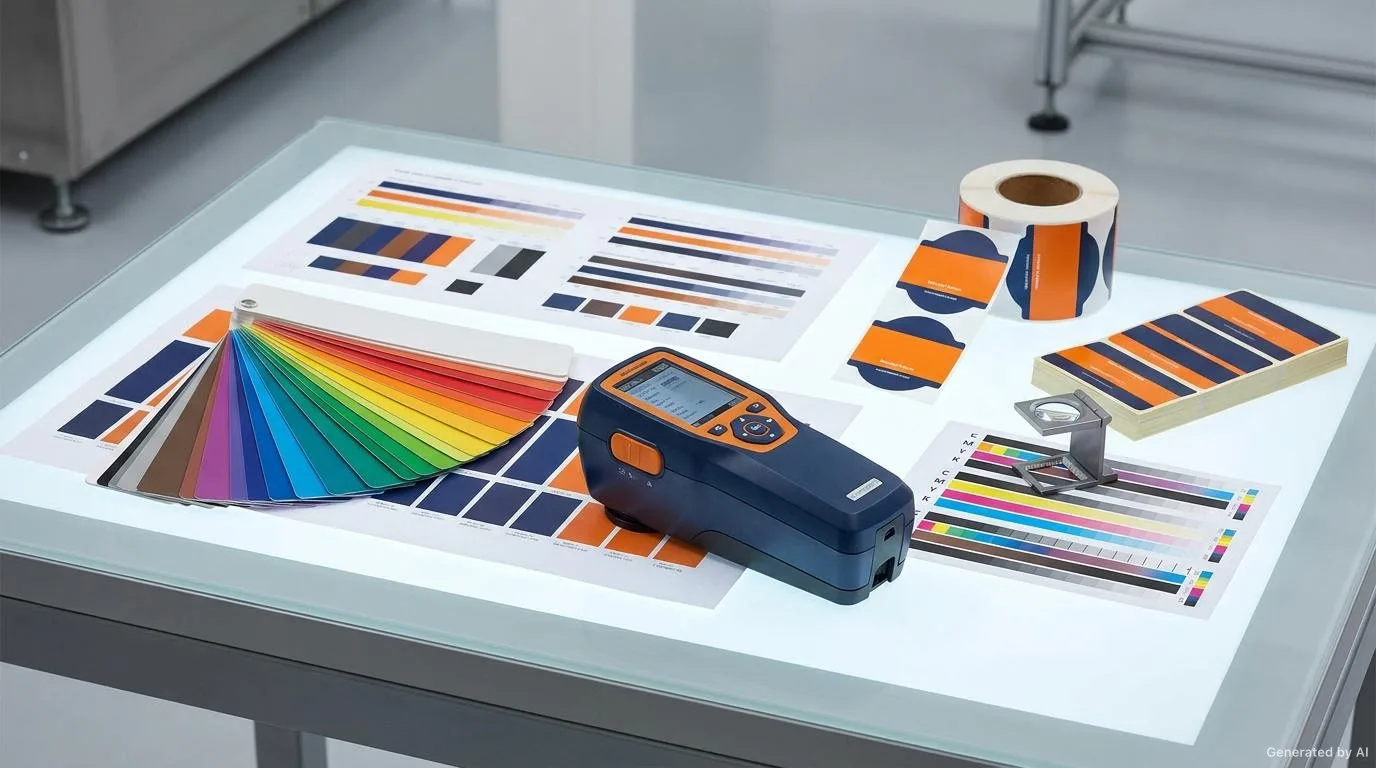
In printing, colours are usually produced in two main ways. Spot colours use a specific pre-mixed ink, while process colours are created by overprinting cyan, magenta, yellow and black inks. Each approach has strengths and weaknesses.
| Aspect | Spot colour | Process colour |
|---|---|---|
| Colour accuracy | High and stable | Depends on the mix |
| Cost | Depends on number of colours | Usually fixed |
| Photographs and gradients | Not suitable | Suitable |
| Brand colour continuity | High | Can vary |
| Fine detail and small areas | More controlled | Can struggle |
Where the brand colour is critical, spot colour stands out; where photographs and gradients are present, process colour does. Many label designs use both approaches together.
Contrast and background colour
Contrast is the main determinant of legibility. If the difference between the text and the background behind it is not sufficient, even the finest typography becomes unreadable. Light text on a dark background or dark text on a light background usually gives the most reliable results.
The background colour also needs to cover evenly in print. Large, flat background areas can make print faults more visible. Ink density and drying therefore need careful management on large background areas.
Keeping colour blindness in mind
Some users may struggle to distinguish red and green tones. Using additional cues such as shape, icons or text instead of relying on colour alone improves legibility.
Minimum font size and font choice
Small sizes are among the most common legibility problems on labels. Very small and thin letters tend to fill in, close up or disappear in print. Testing text at real size on a sample is therefore recommended.
- Very thin font weights should be avoided at small sizes.
- Long strings of capitals can make longer text harder to read.
- Thin reversed out (light on dark) text carries a risk of filling in.
- Line spacing and letter spacing directly affect legibility.
- Clear, simple fonts should be preferred for the barcode and mandatory details.
Font choice is a functional decision, not only an aesthetic one. A simple, open font gives more reliable results even at small sizes.
Barcode quiet zone and contrast
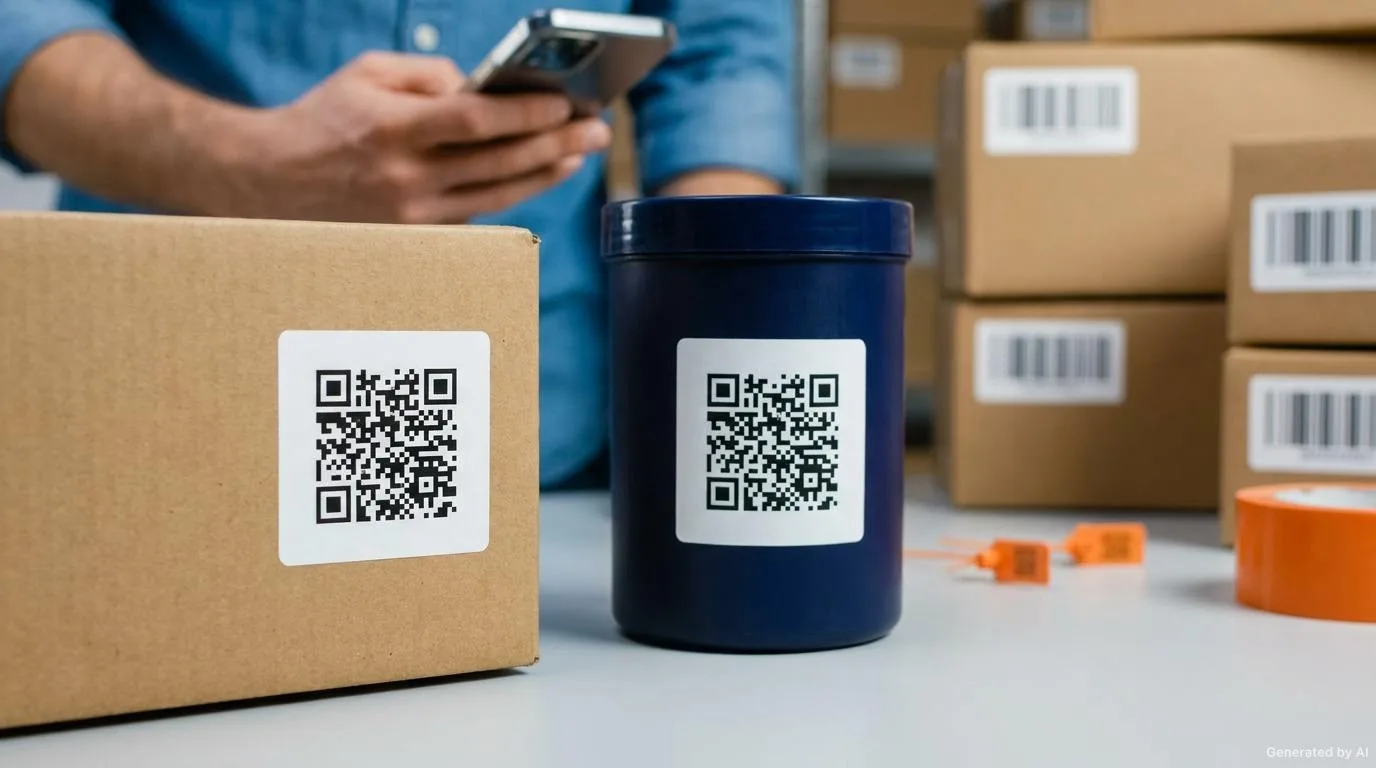
For a barcode to be read reliably, enough empty space must be left around it. This area is called the quiet zone and must be preserved to the left, right, above and below the barcode. If the quiet zone is reduced, the reader may struggle to decode the barcode.
A barcode also needs sufficient contrast and a suitable background. Dark bars on a light background give the most reliable result. Shrinking a barcode too much can cause bar widths to be lost in print. The size and position of the barcode should be assessed together with the printing method.
For more detail on barcodes, you can read our article on barcode labels and legibility.
RGB to CMYK conversion errors
Design screens usually use the RGB colour space, while printing works with CMYK. The colour gamut of these two spaces differs. Bright greens, oranges and some blue tones in particular can look vivid on screen but appear duller than expected in print.
Preparing the design in a print ready colour space from the start therefore reduces surprises caused by later conversion. When conversion is unavoidable, critical colours should be checked on a sample print. Screen brightness can also be misleading, so decisions should be based on a printed reference wherever possible.
Risks of fine lines and reversed out text
Very fine lines and small reversed out text are the most fragile elements in print. A fine line can waver or disappear during printing, while thin text on a light background carries a risk of filling in. In the same way, fine lines placed too close together can merge in print and become unreadable.
If such elements are used, line weights and font sizes must be tested on a sample print. Conversely, lines that are thicker than necessary can make the design look coarse; balance matters.
Light source and viewing conditions
How a colour is perceived is also related to the light it is viewed under. The same label can look different in daylight, under store lighting or in a dim environment. Colour approvals should therefore be made not only on screen but, where possible, on a printed sample under similar lighting conditions.
Numeric and symbolic information
Numeric information and symbols often found on labels need particular care at small sizes. Characters that look alike, such as zero and the letter O, or one and a lowercase L, can be confused at small sizes. The distinguishability of these characters should be considered when choosing a font.
Barcode size and module width
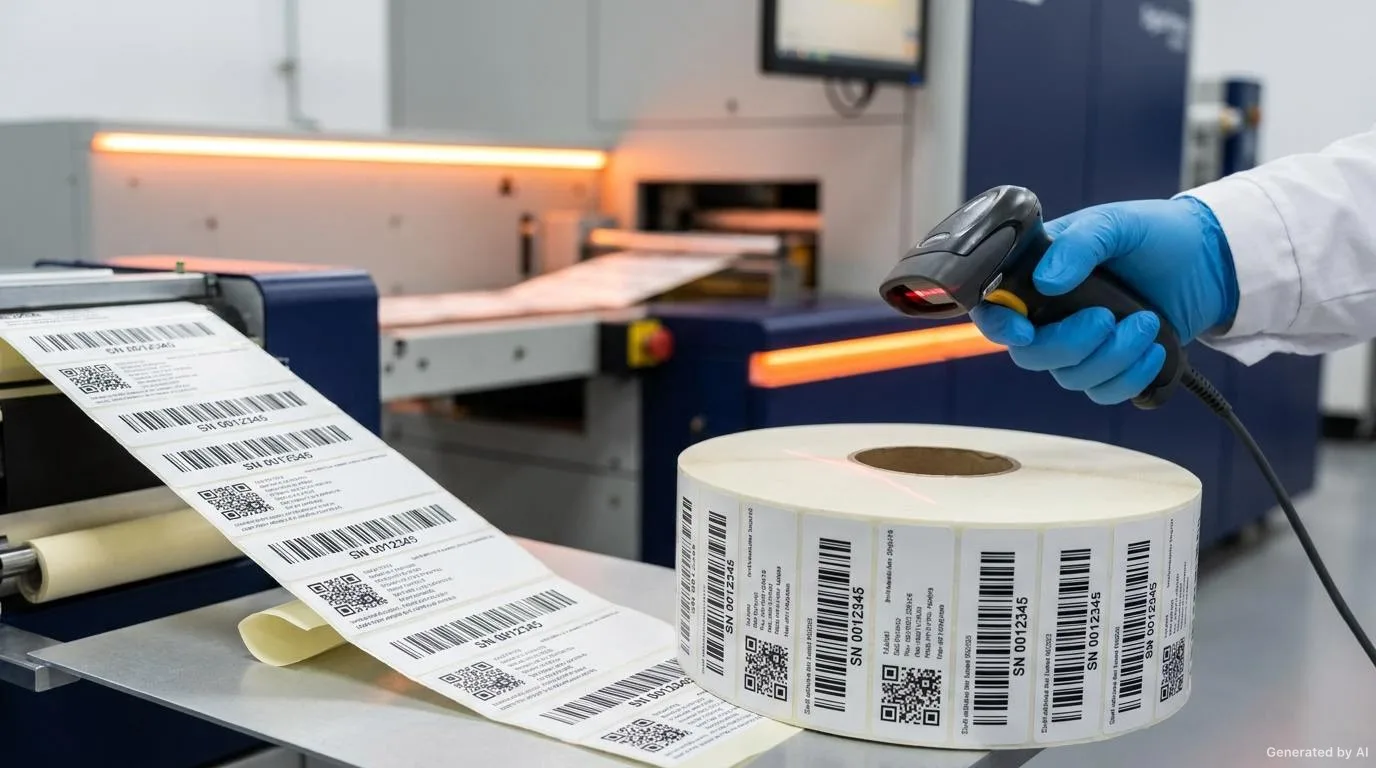
Barcodes are read according to the width of the bars and the spaces between them. This smallest unit of measure is called the module. As a barcode is reduced in size, the module width also decreases and the risk of it being lost within print tolerances increases. The size of the barcode should therefore be determined by the distance expected from the reader and by the printing method.
The position of the barcode also matters. On curved or moving surfaces of packaging, the barcode can be harder to read. Wherever possible, the barcode should be placed on a flat surface with sufficient contrast.
The role of the sample print
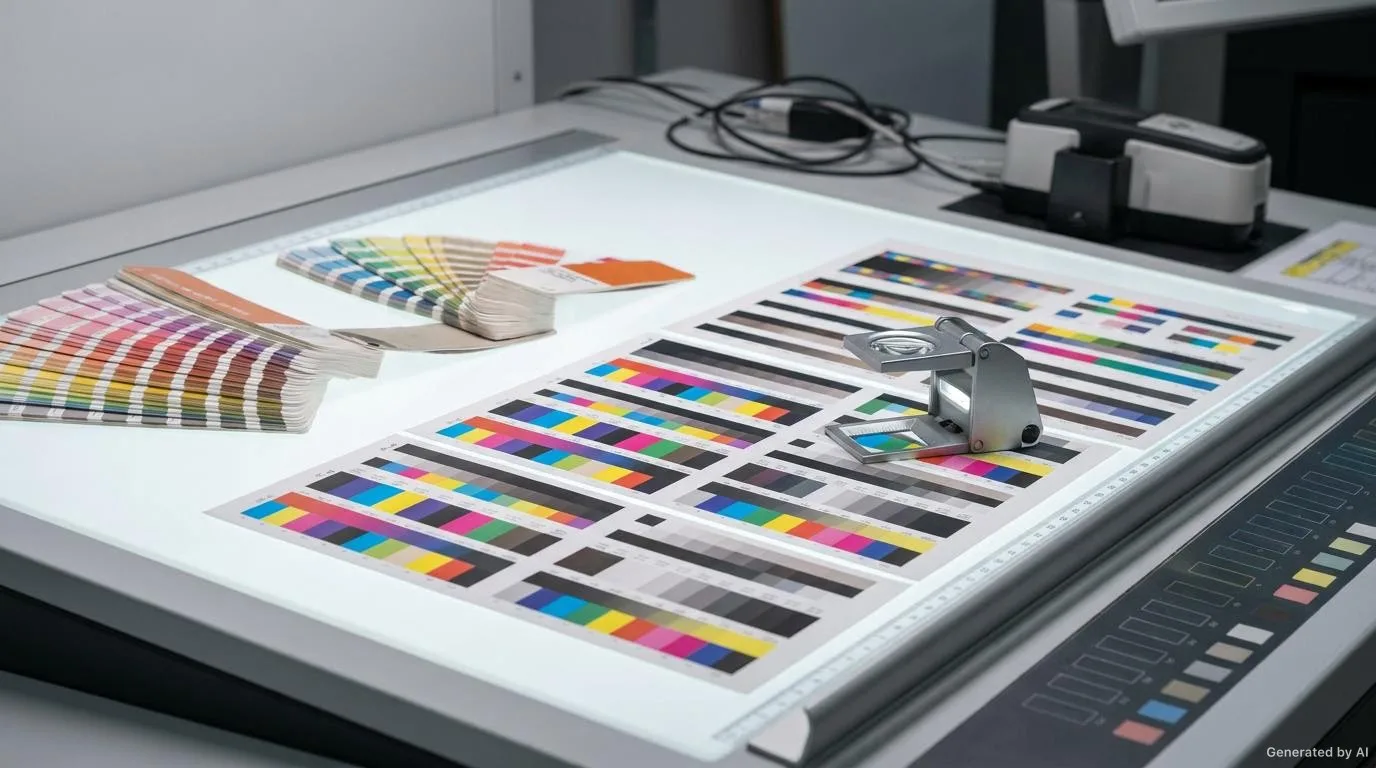
A colour that looks good on screen can come out unexpectedly different in print. For critical colours, approving on a sample print rather than relying on a screen image alone is therefore the safer approach. This check is even more important on cosmetics and premium products where the brand colour is sensitive. The sample print is the most reliable way to see the final state of the design on the real material.
Backgrounds and colour transitions
Large, flat background areas may not cover evenly in print, so these areas need careful assessment. Colour transitions, in turn, should be created smoothly rather than with abrupt breaks. Testing gradient areas on a small sample helps reduce the risk of unexpected banding or mottling.
Pre-press checklist
- Was the design prepared in a print ready colour space?
- Is a reference value defined for critical brand colours?
- Is the use of spot and process colours appropriate for the design?
- Is the contrast between text and background sufficient?
- Were minimum font sizes tested on a sample?
- Were fine lines and reversed out text checked in print?
- Are the barcode quiet zone and contrast sufficient?
- Are there areas that do not leave space around the edge?
- Are mandatory details at a readable size?
- Was the sample print approved on the real material?
Conclusion
In label printing, colour and legibility are two inseparable elements. Proper colour management, suitable contrast, careful typography and a reliable barcode layout make a label both attractive and functional. Planning these elements before printing helps prevent results that are difficult to correct afterwards.
If you would like to balance colour accuracy and legibility on your labels, you can browse our label solutions for options suited to your product, or we can review your existing work together. To compare different options, our guide to choosing the right label for your product may also be helpful.
Frequently Asked Questions
Why does colour come out inconsistent in label printing?
Factors such as substrate material, ink density and drying conditions can affect the printed result, so regular control of the process matters.
Should spot or process colour be preferred?
Spot colour stands out for critical brand colours, while process colour suits designs with photographs and gradients; many designs use both.
What is a common reason a barcode fails to scan?
An insufficient quiet zone, low contrast or shrinking the barcode too much can all cause scanning problems.
Can I send an RGB design straight to print?
Because RGB and CMYK gamuts differ, preparing the design in a print ready colour space and checking critical colours on a sample print is recommended.
What should be done for small text?
Avoiding very small and thin text, using sufficient contrast and testing text at real size on a sample is helpful.
Want to Determine the Right Label for Your Product?
Share your usage area and needs with us; let's evaluate suitable options together.